
My roles
Visuals Lead
UI Designer
Team
Maddie Reilly
Jiya Damania
Mahek Sewani
Nithu V.S.
Tools
Figma
Adobe Photoshop
Duration
10 weeks
रूपरेषा
Overview
Navigating in public spaces is a big hurdle within neurodivergent individuals. Approximately 40% of participants in a study required complete assistance traveling in a new physical space. Navigaid is a navigation app designed for neurodivergent needs from the ground up, allowing users to feel at ease traversing spaces they haven't before.
This project was nominated for International Design Awards (IDA) and Red Dot Design award
My role
Visuals Lead: Lead the visual design direction for all deliverables, ensured consistency and evolution between all materials.
UI Designer: Created Low to High-Fidelity screens for the app.
ओझरतं
Sneak Peak
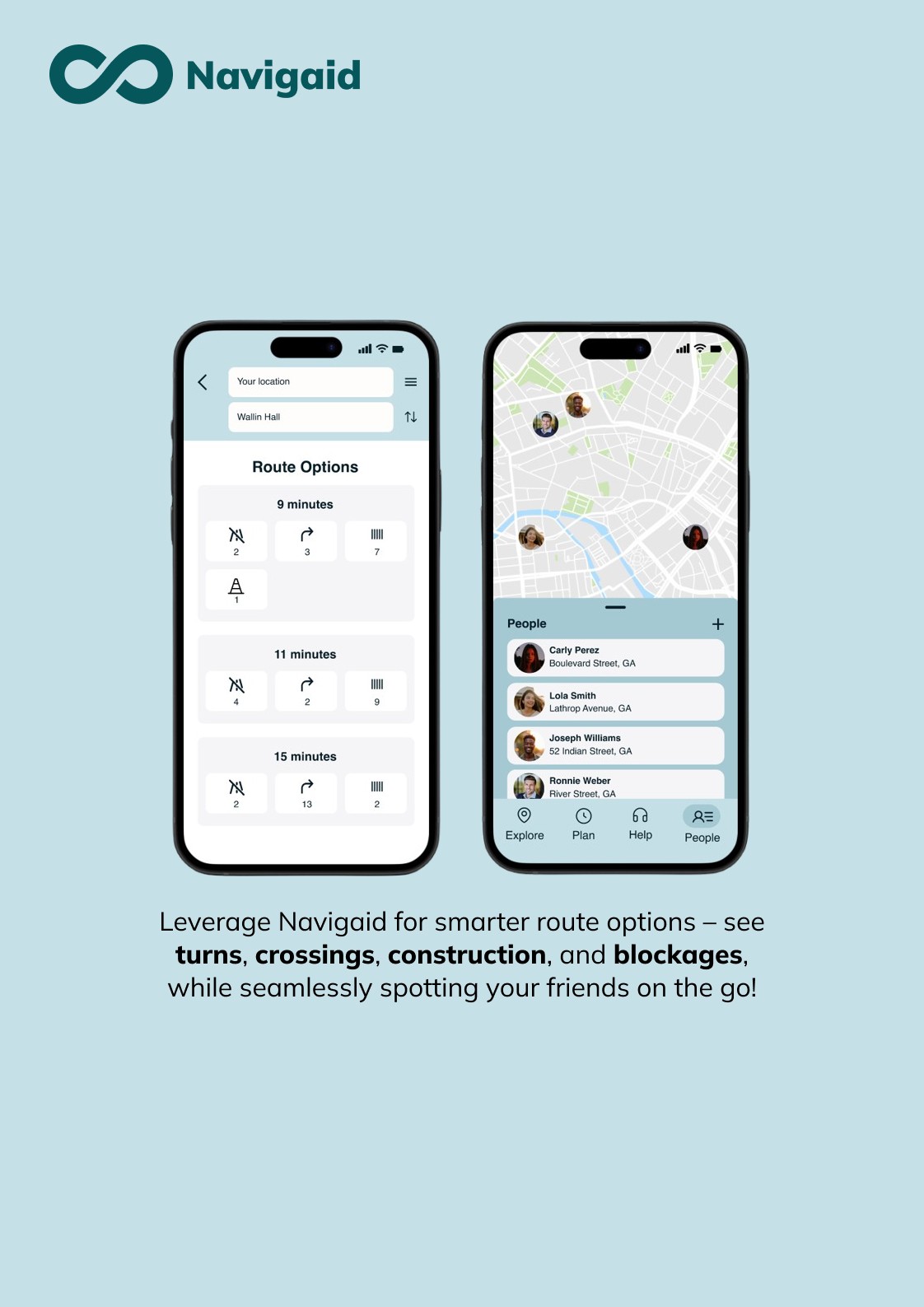
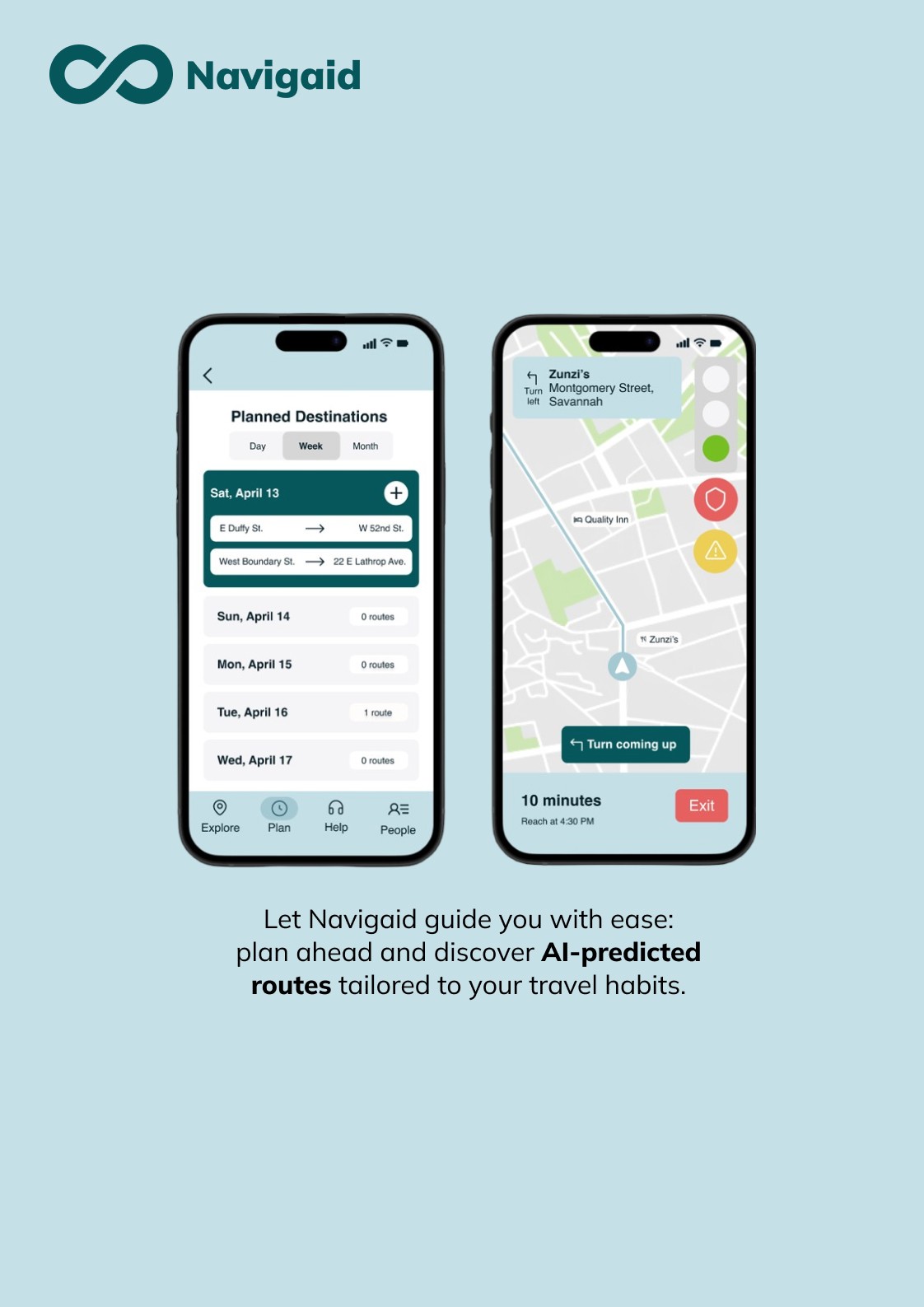
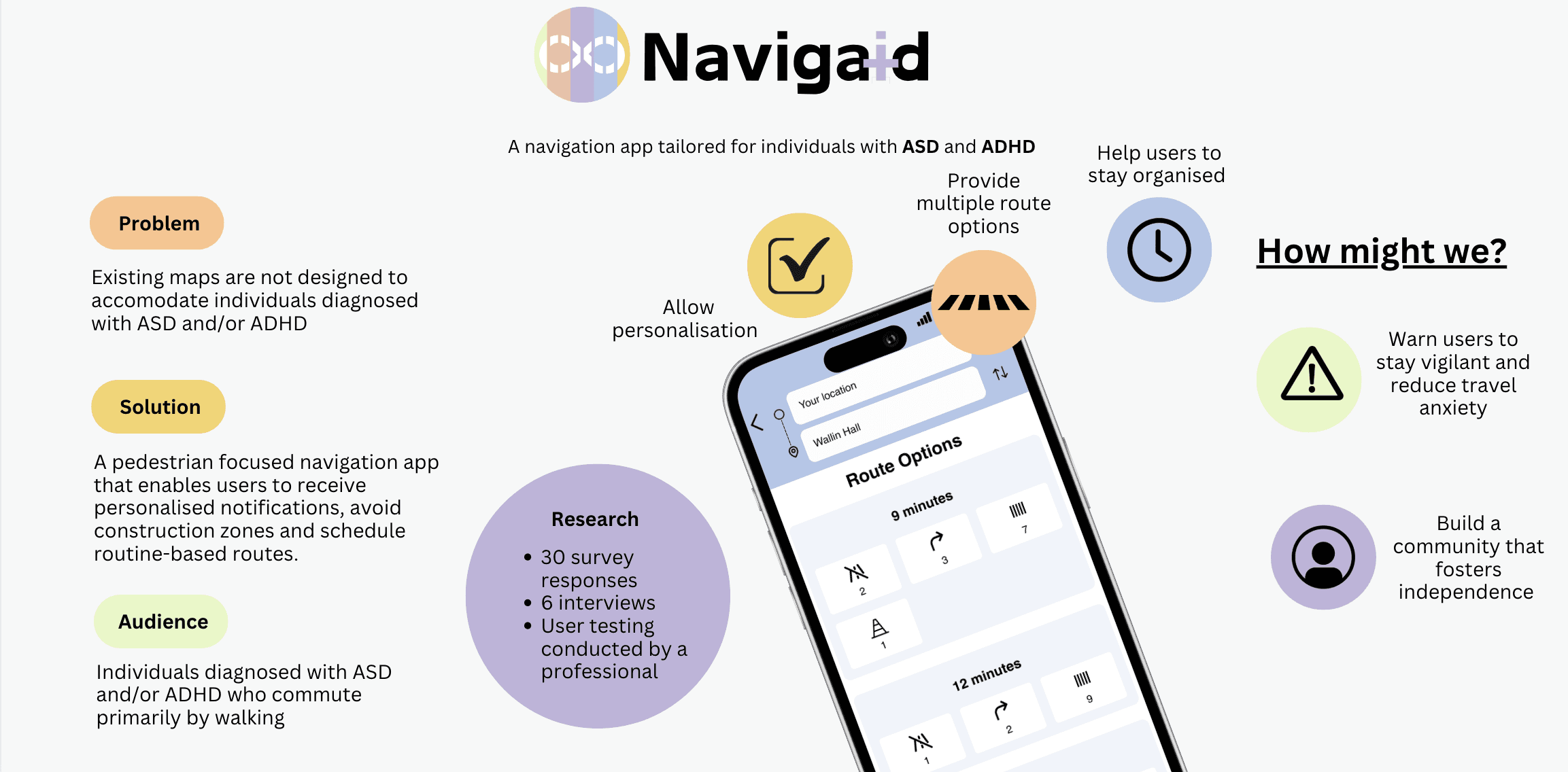
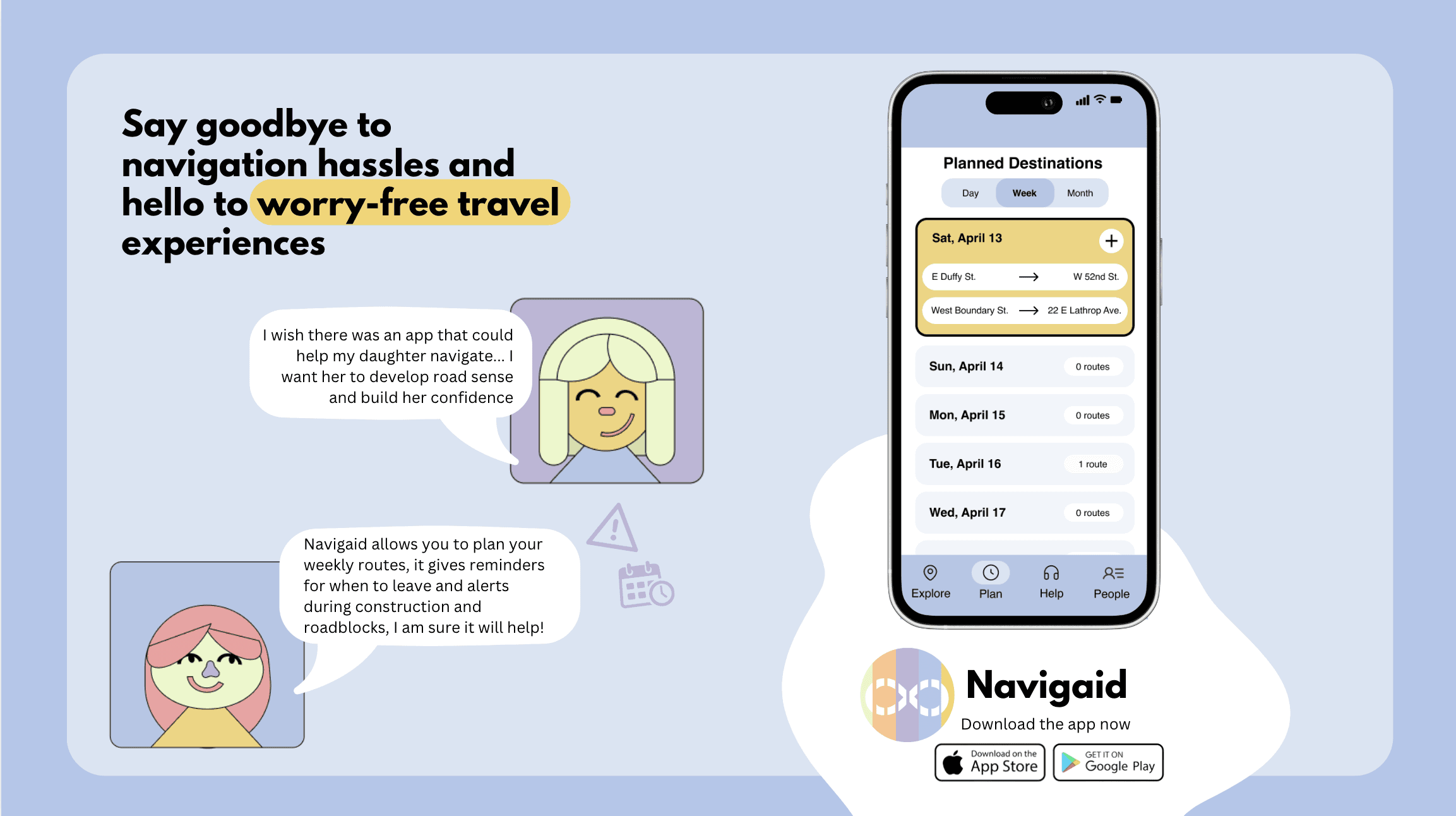
Easier navigation for neurodivergent individuals
विषय निवडणे
Choosing our domain
To choose our domain, all the team members brainstormed on what kinds of services can be provided to support neurodivergent individuals. For this process, having a team member who has ADHD helped us tremendously to gain valuable insights as well as perspectives.
After doing some initial research, we came up with these topics:

Finances can get overwhelming; our app aims to guide users to manage their money and make sound financial decisions
Navigation in a city can be overstimulating; our app aims to reduce travel anxiety and provide the safest route possible
We pitched these ideas to our peers, and a majority preferred the 'Simpler Navigation'direction
संशोधन
Research
After choosing our topic, we begun researching deeper, conducting primary as well as secondary research.
Secondary Research
We gained these insights from our secondary research:
Spatial Navigation
Individuals with ASD showcased difficulty in grasping spatial navigation
Poor Coordination
People with ADHD struggled to use their resources effectively to navigate
Gauging Distances
Thermostat prototypes needed to mimick the real life conditions
This information defined our problem space and what facotrs we wanted to focus on specifically for our app.
Primary Research
For our primary research, we conducted surveys as well as interviews. Interviews let us get deeper insights, as we could get opinions from two different groups. They were:
Mental Health Professionals
Subject matter experts when it came to understanding neurodivergence
Neurodivergent Individuals
Our target demographic; trying to understand their lived experiences when it came to navigation
We used several business tools to determine how this service would work in the market, alongside the synthesis of the data itself.
Synthesis
Here's how we used our research:
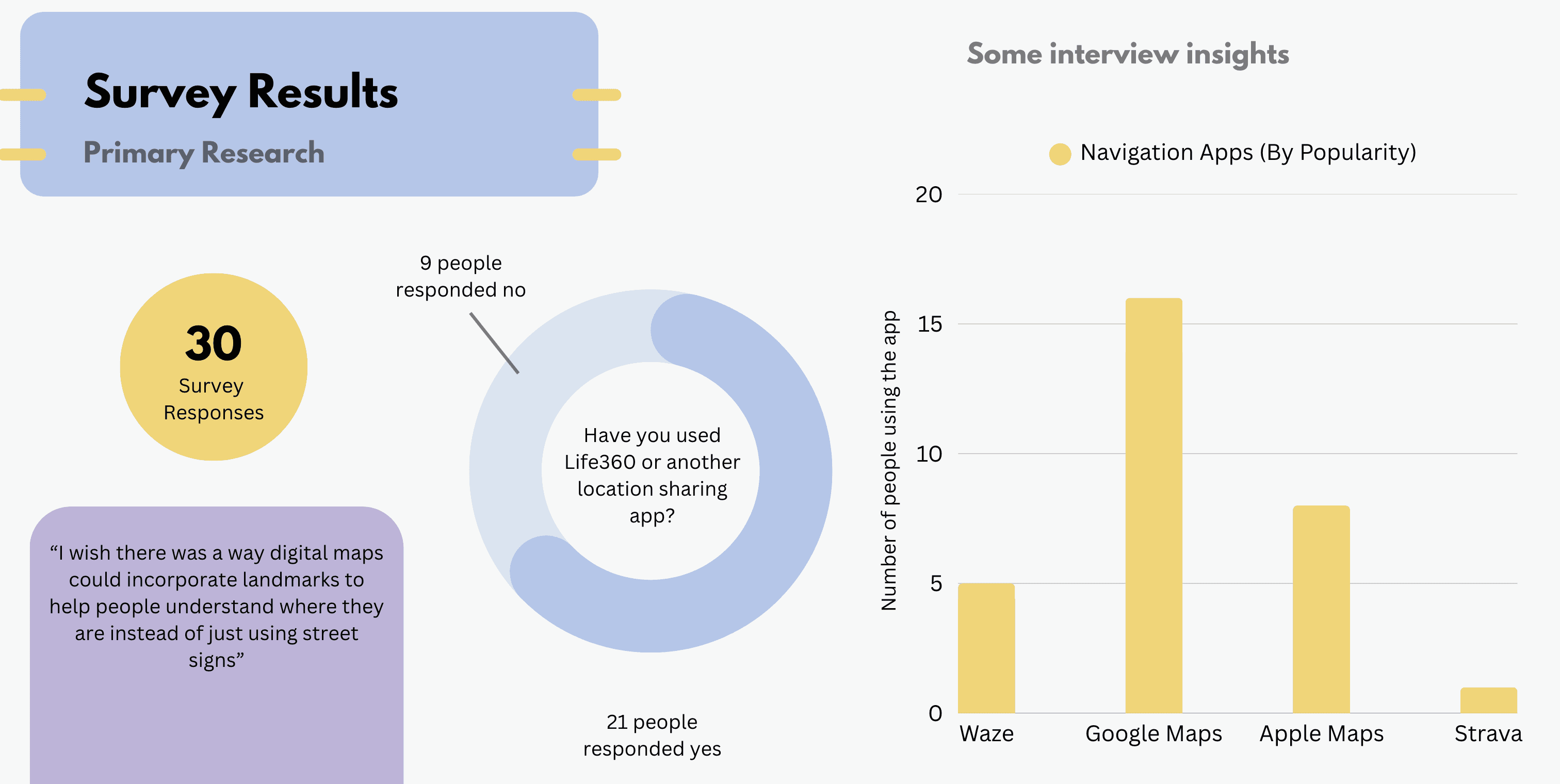
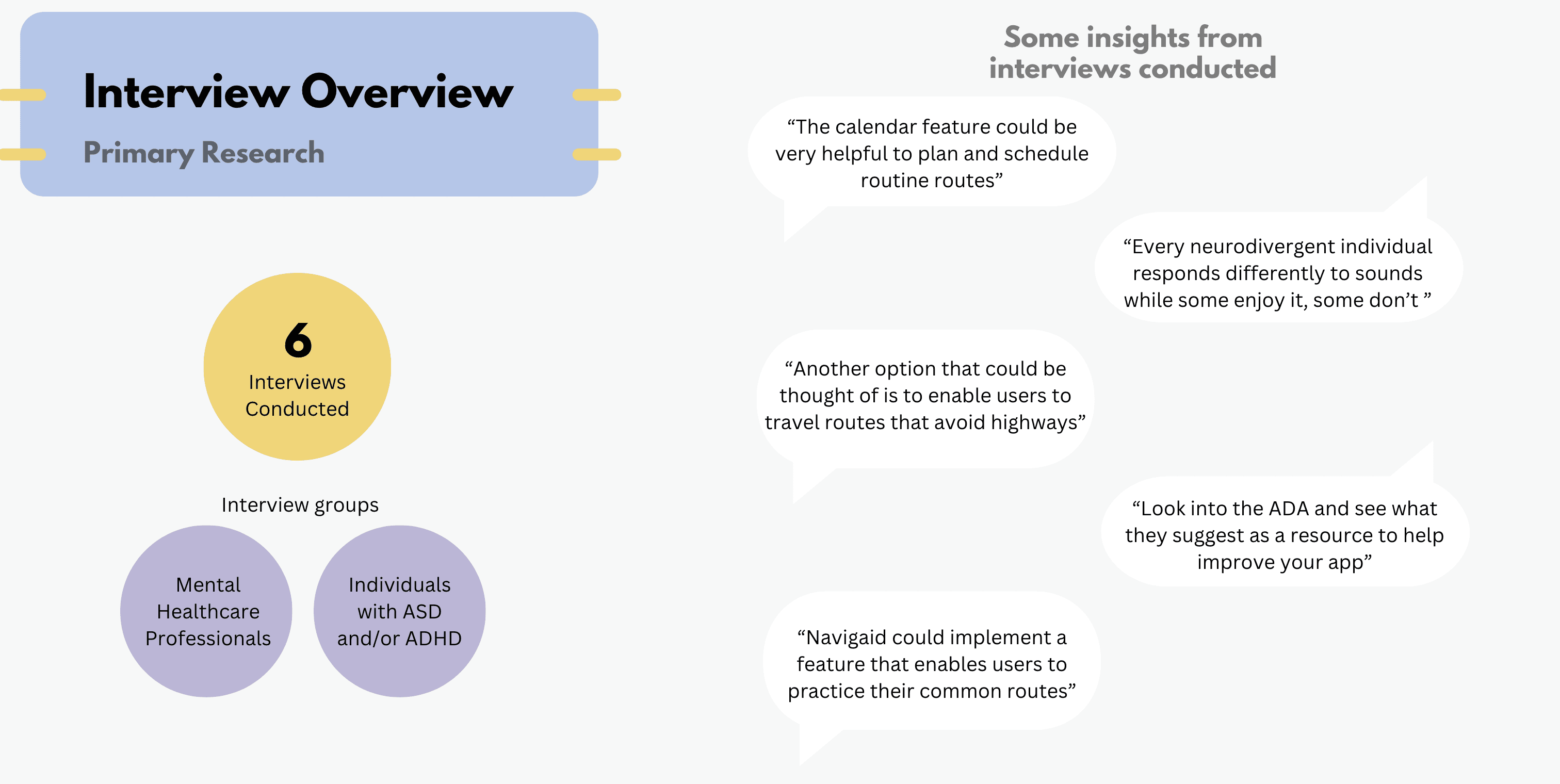
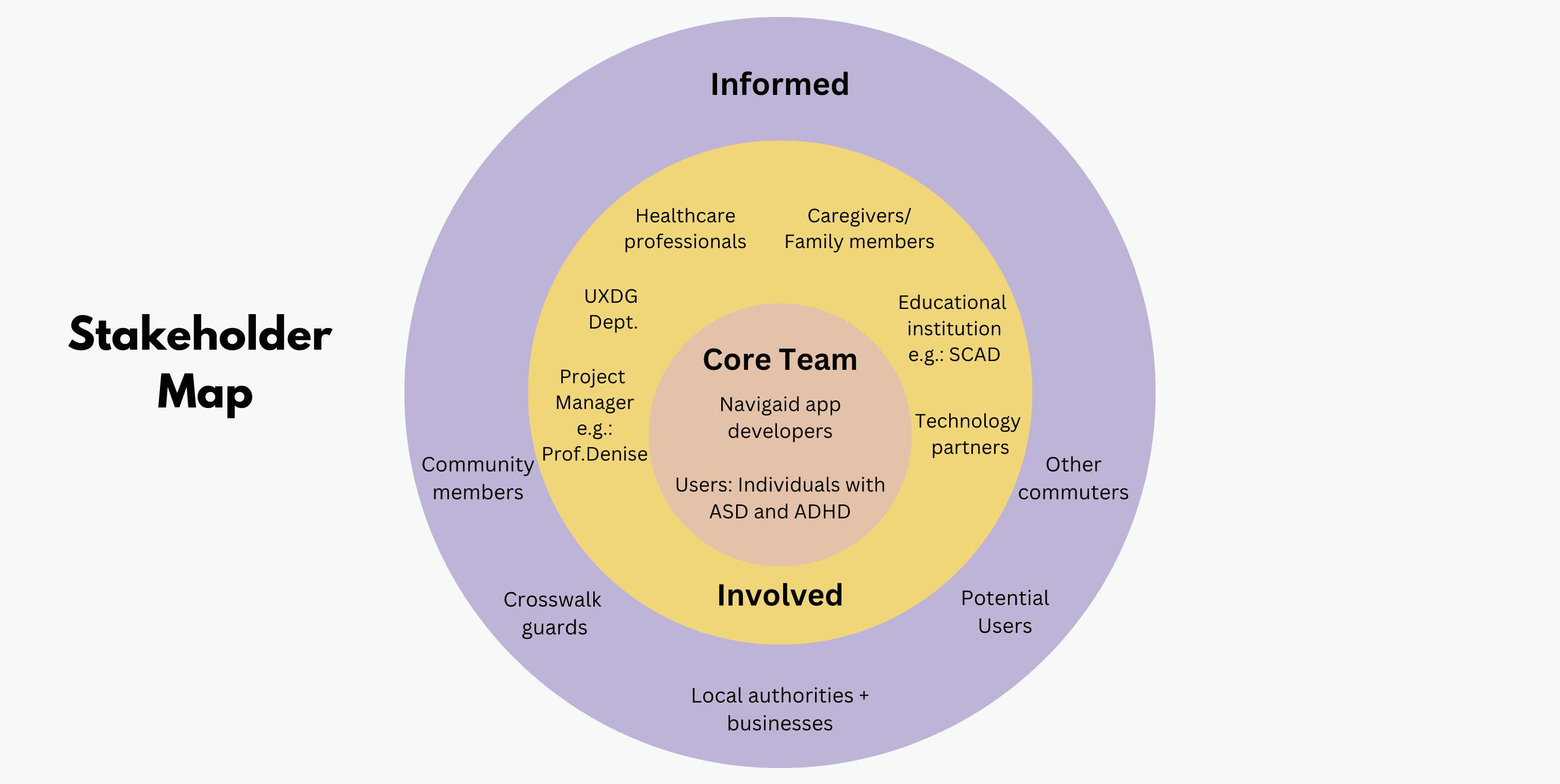
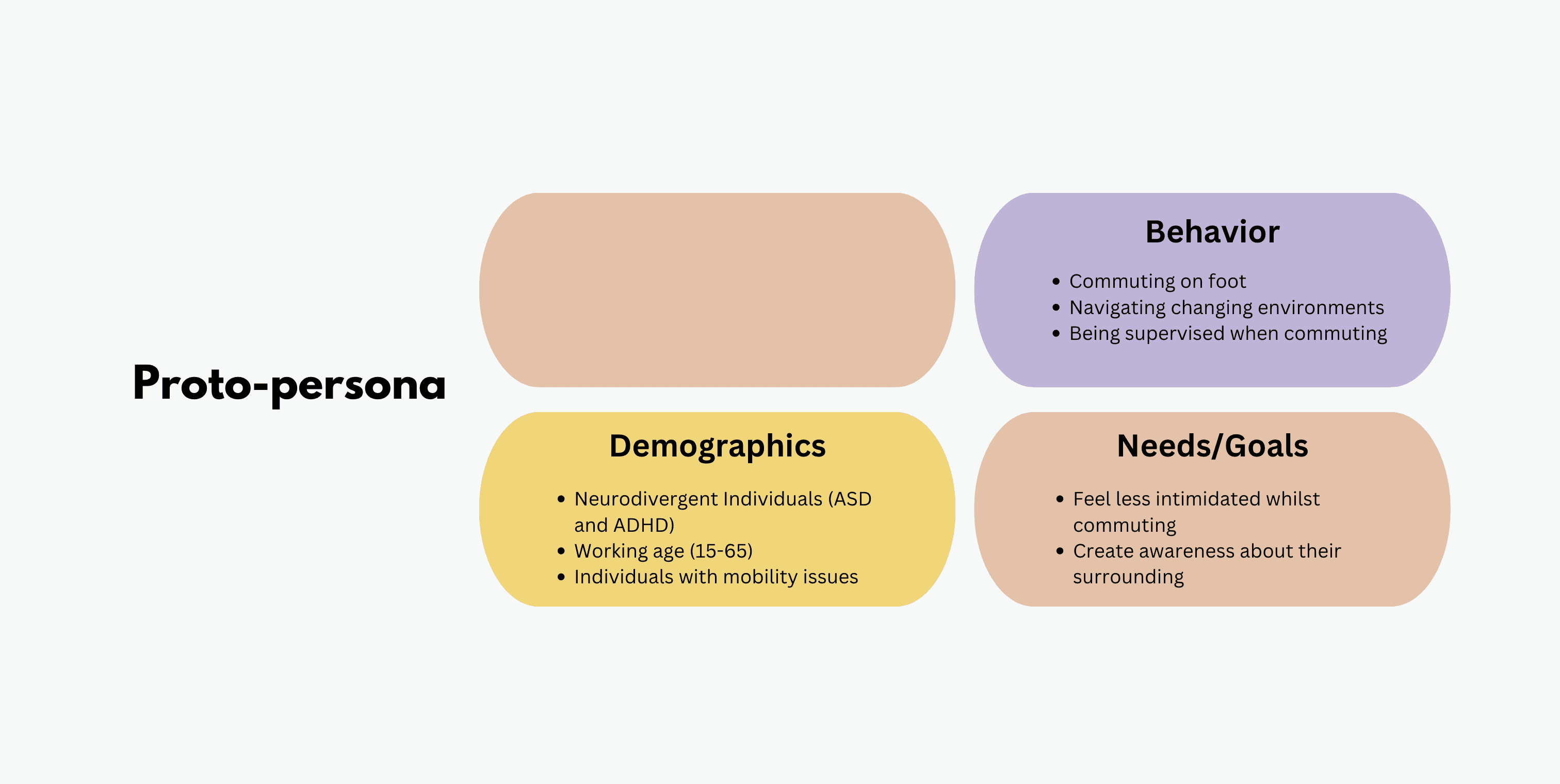
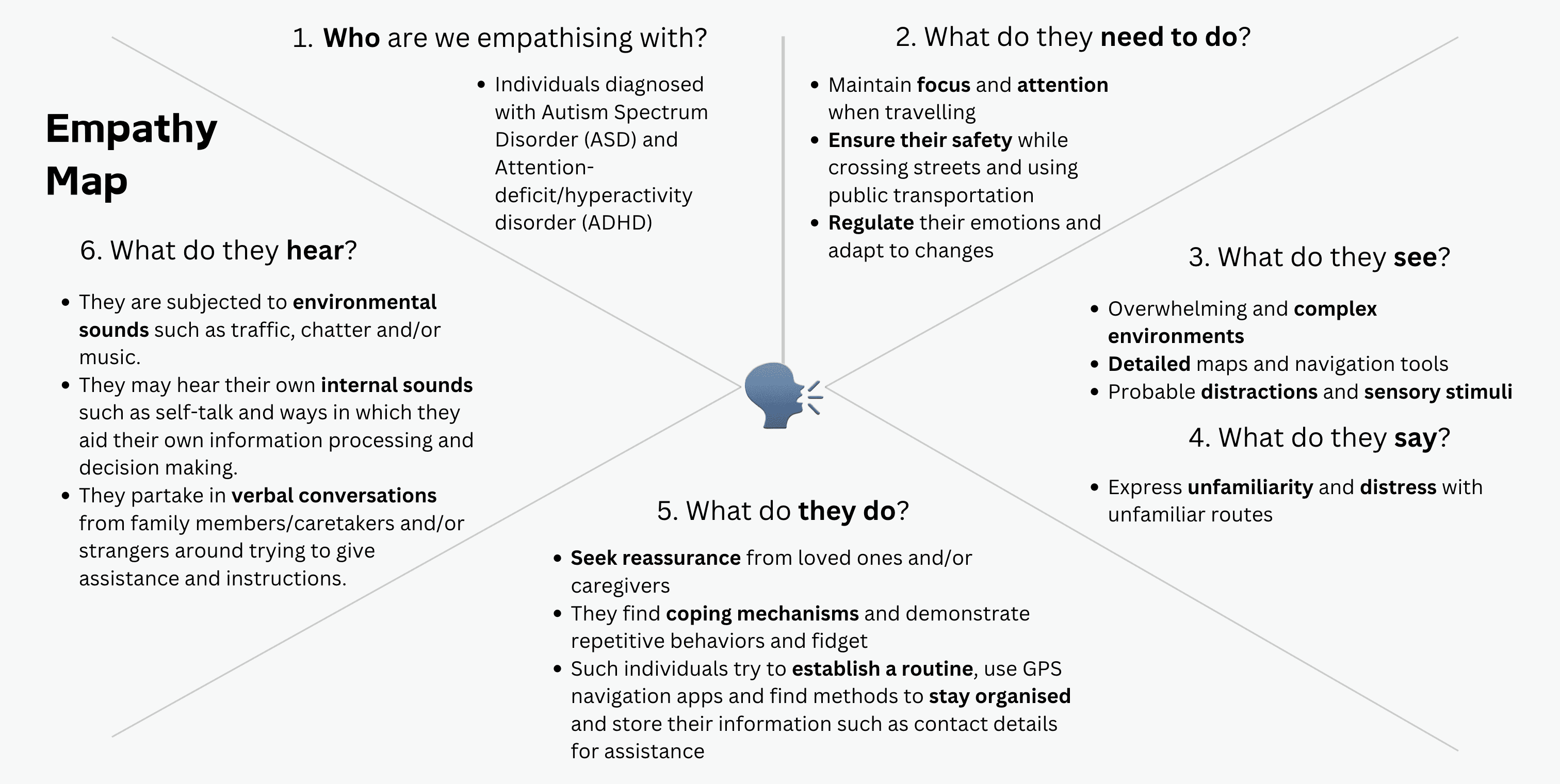
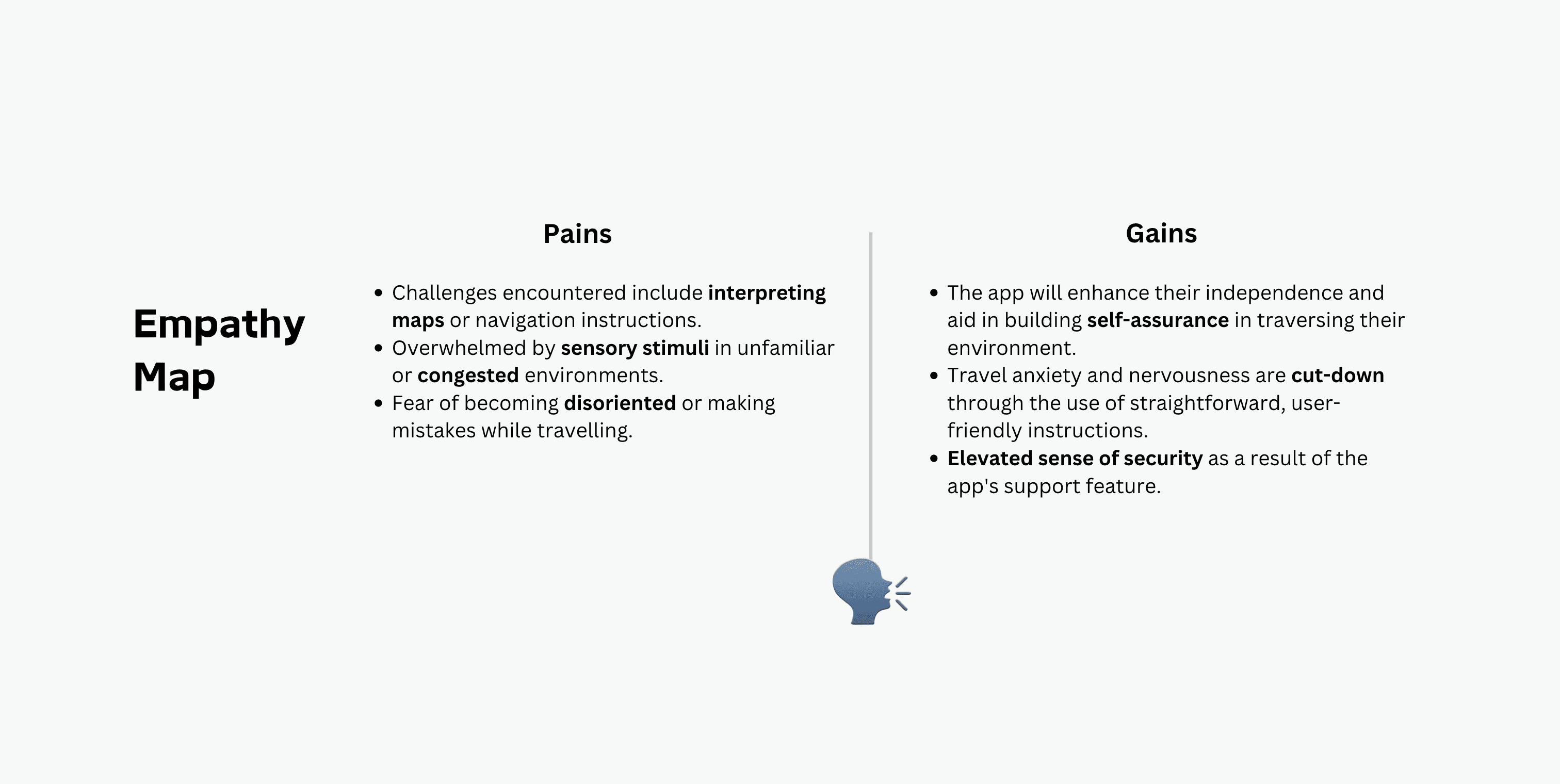
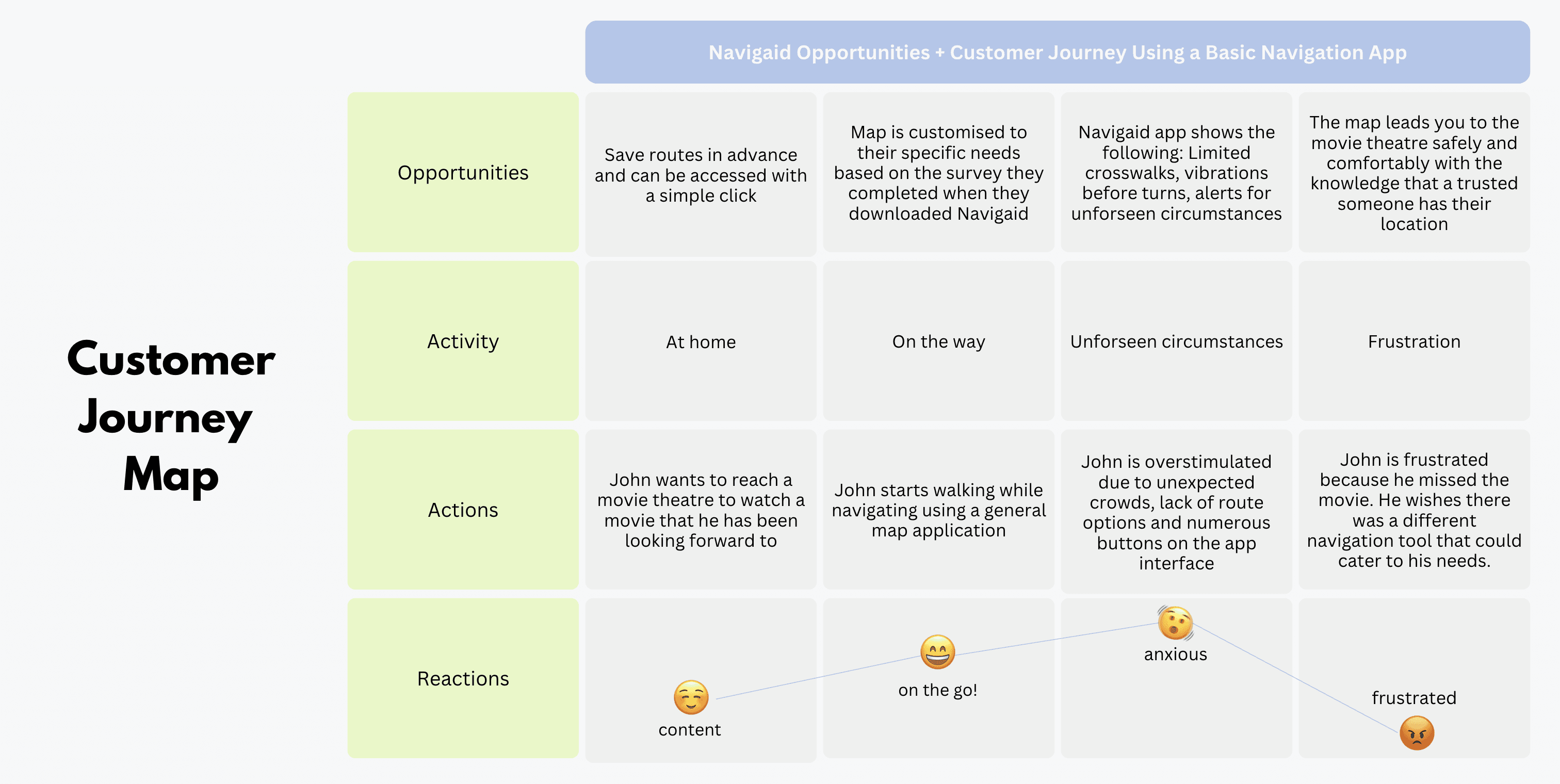
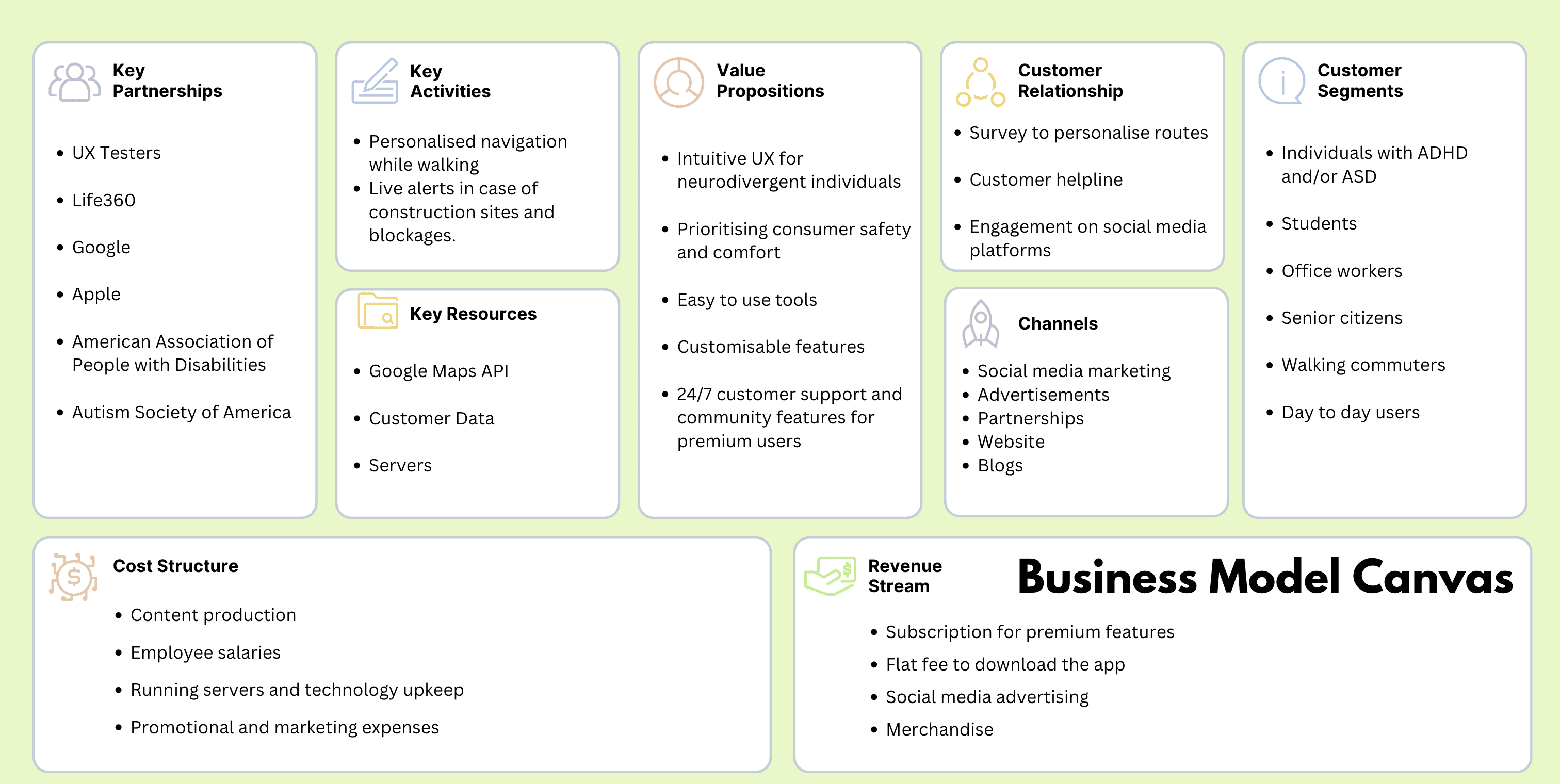
All results, insights and tools created
वायरफ्रेम्स बनवणे
Making Wireframes
This part of the design process was very rough - the goal of this section was to get ideas on paper and keep iterating on it with incoming feedback and tests.
Crazy 8s
This exercise helped us put our initial ideas onto paper, giving us a start in designing the screens.
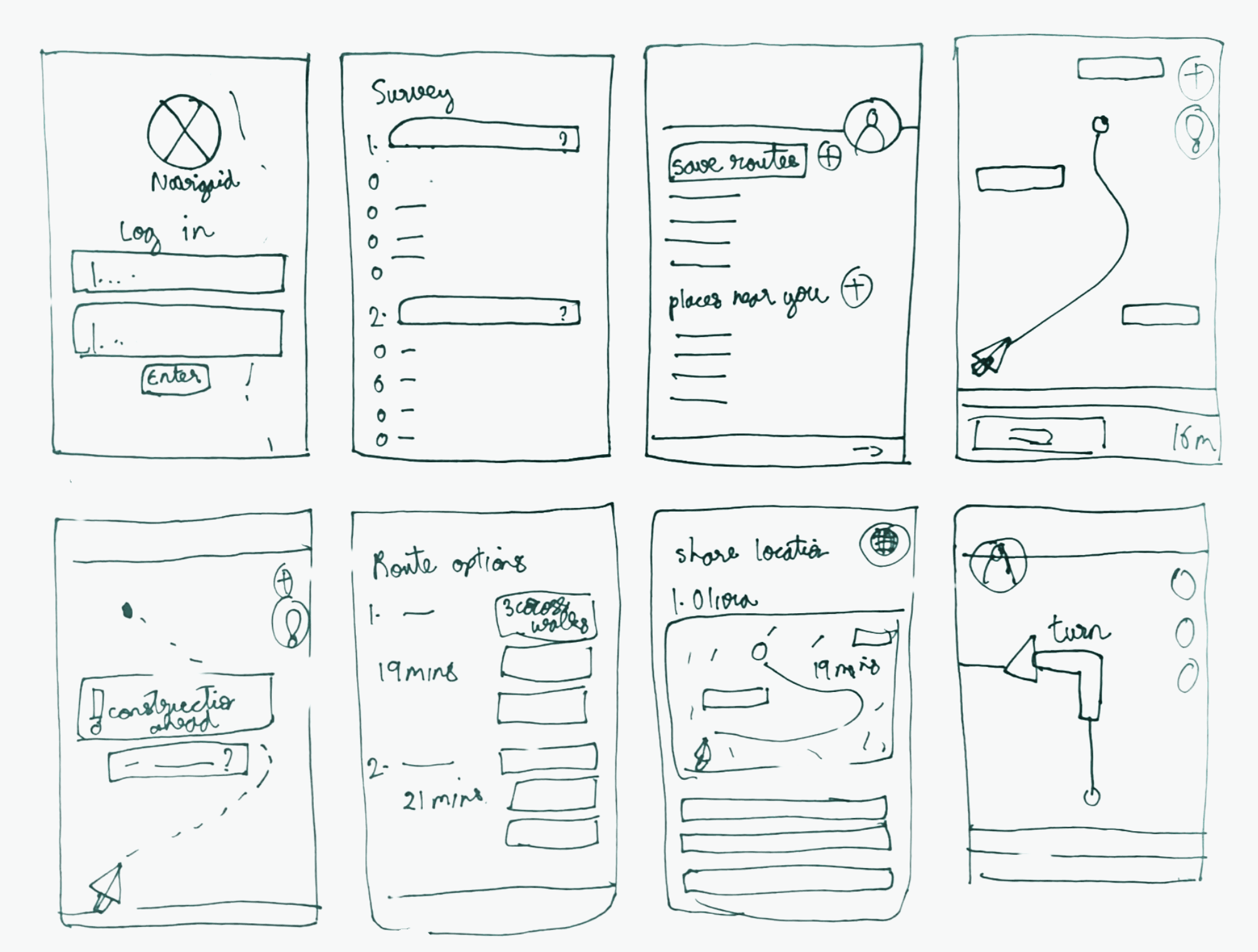
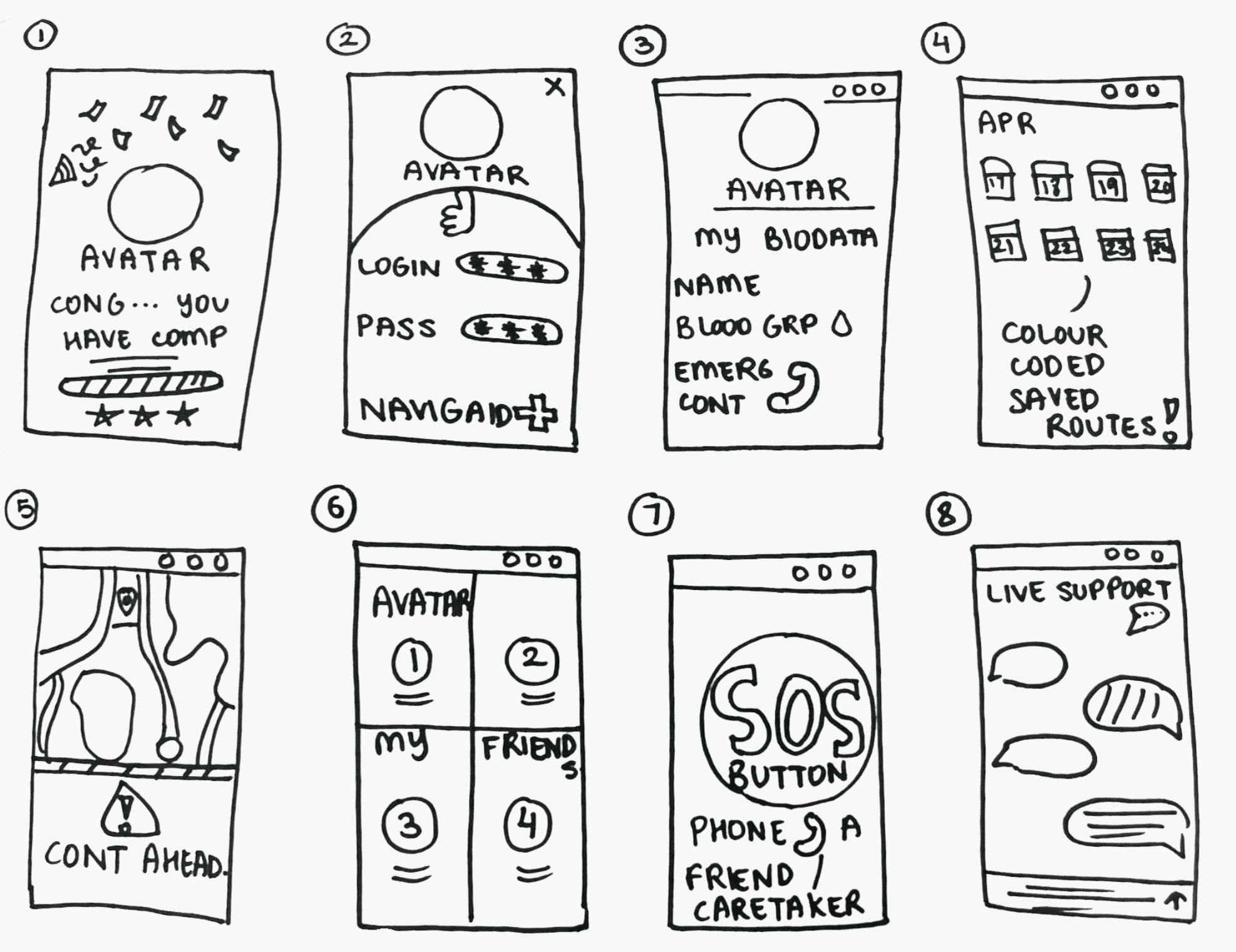
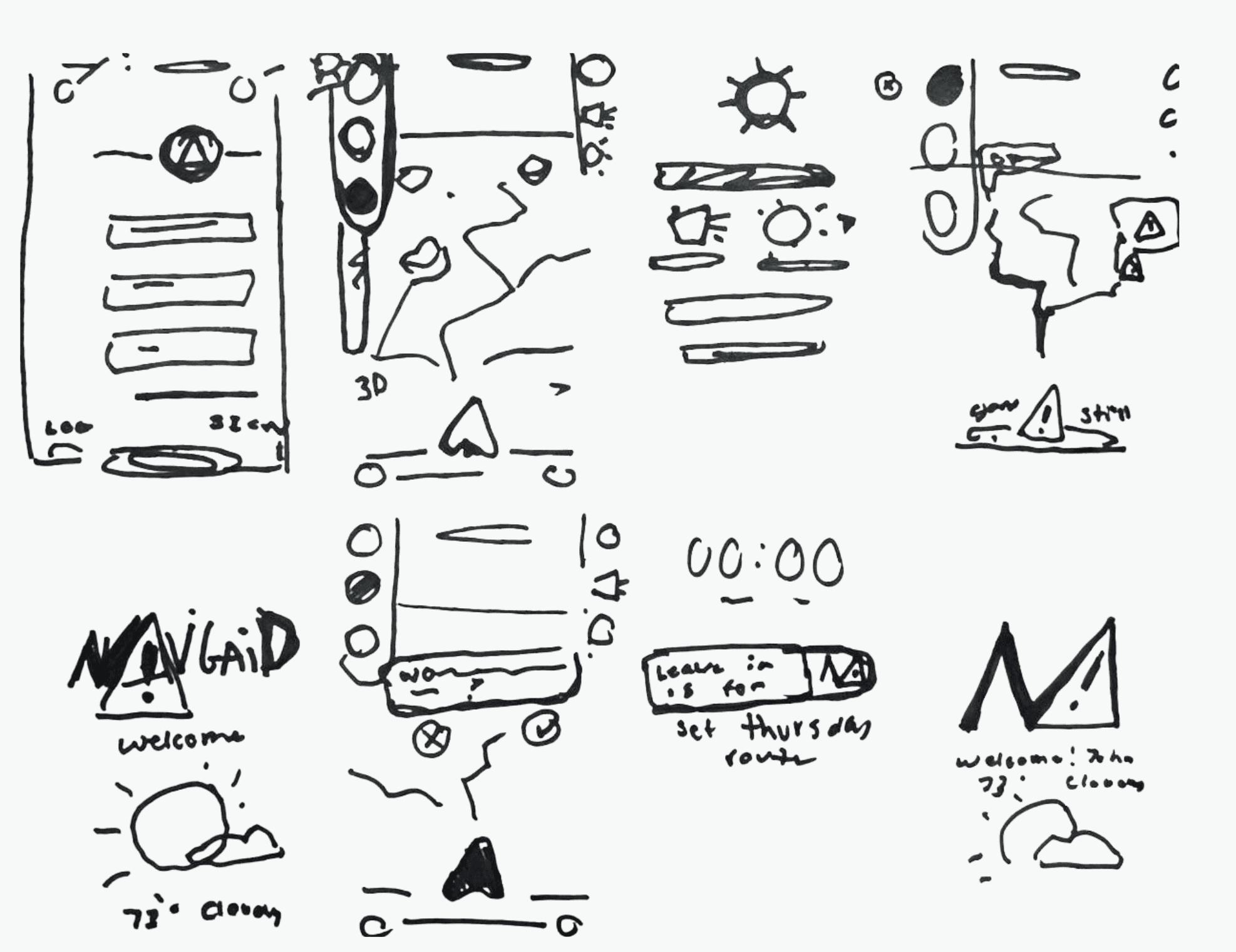
Our crazy 8 assignments
This let us create the first round of low fidelity wireframes.
Low Fidelity Wireframes
For our first round of low fidelity wireframes, we only focused on digitizing the screens in our Crazy 8s exercise. We avoided using colors to only focus on form.
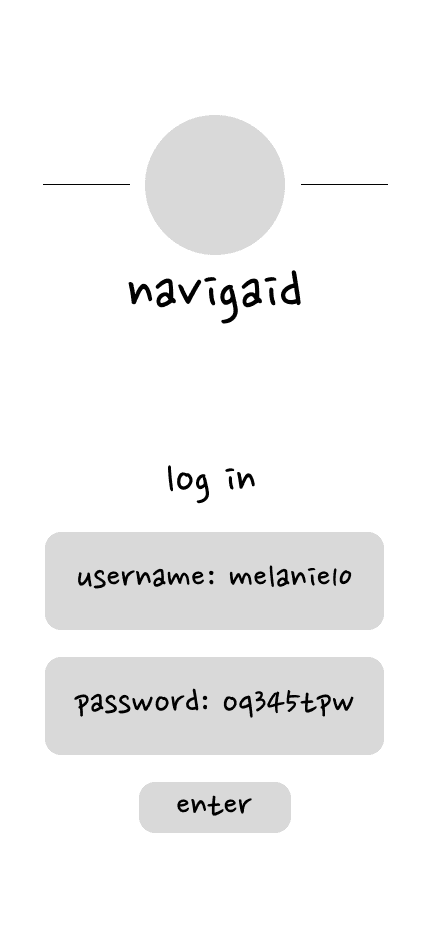
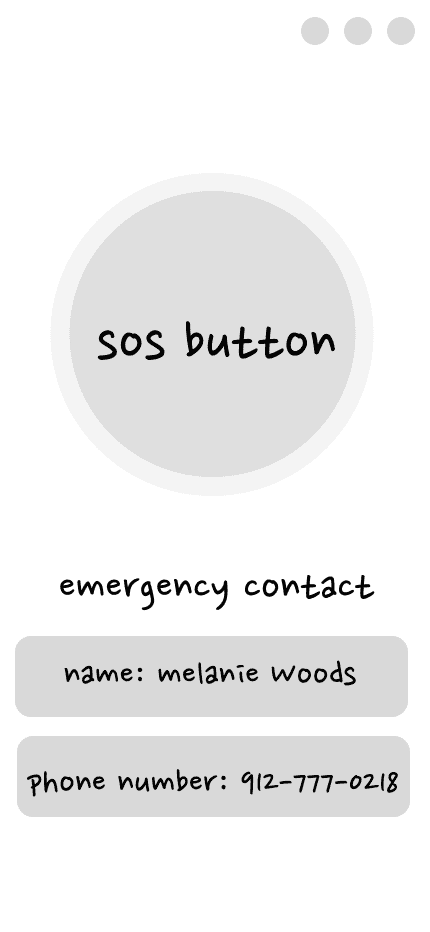
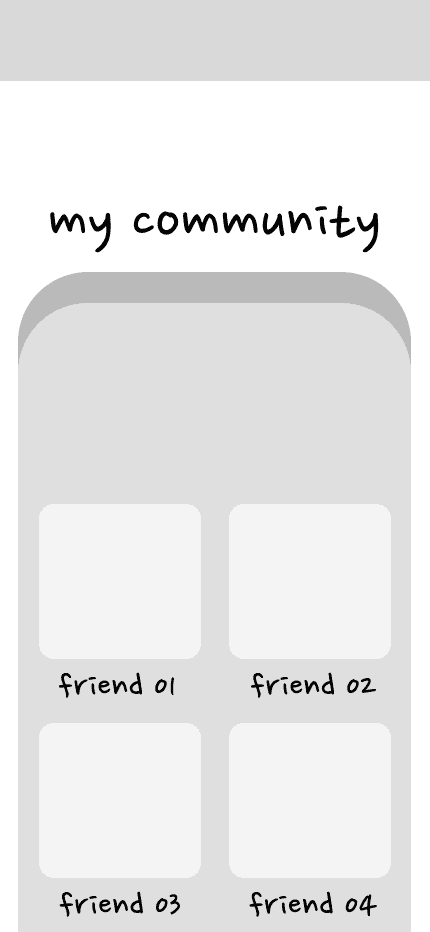
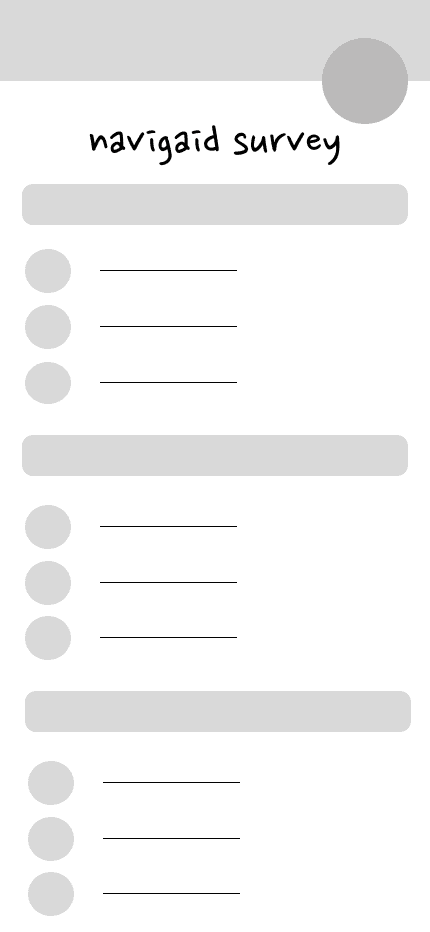
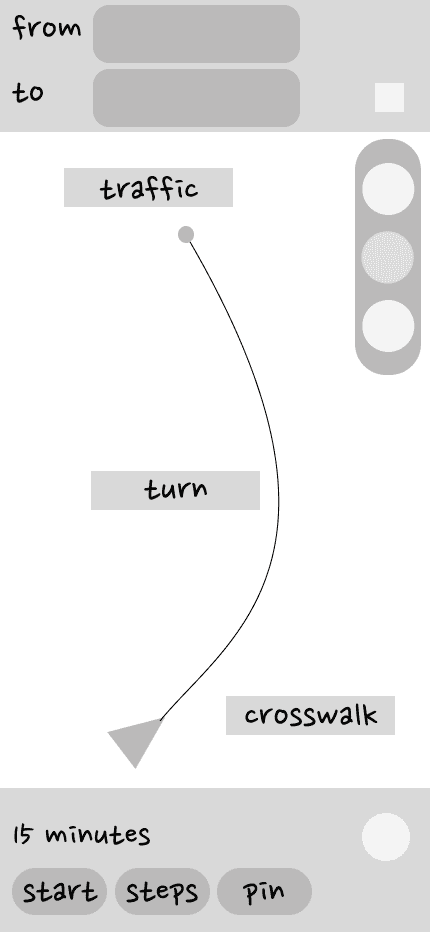
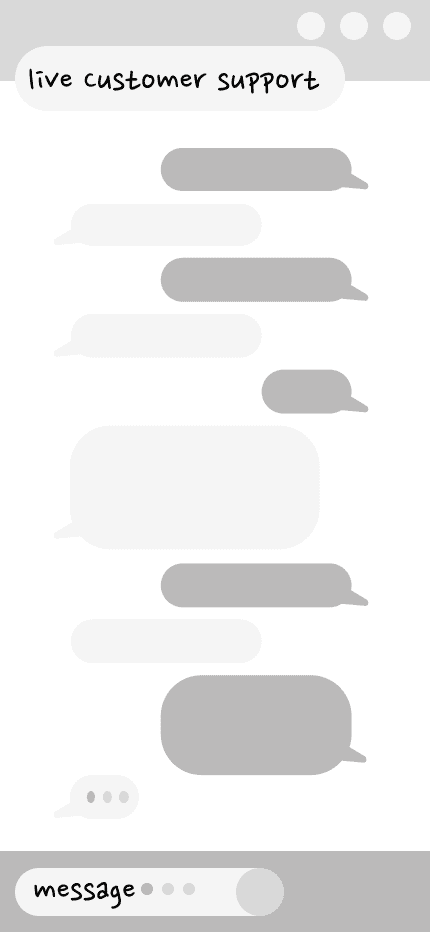
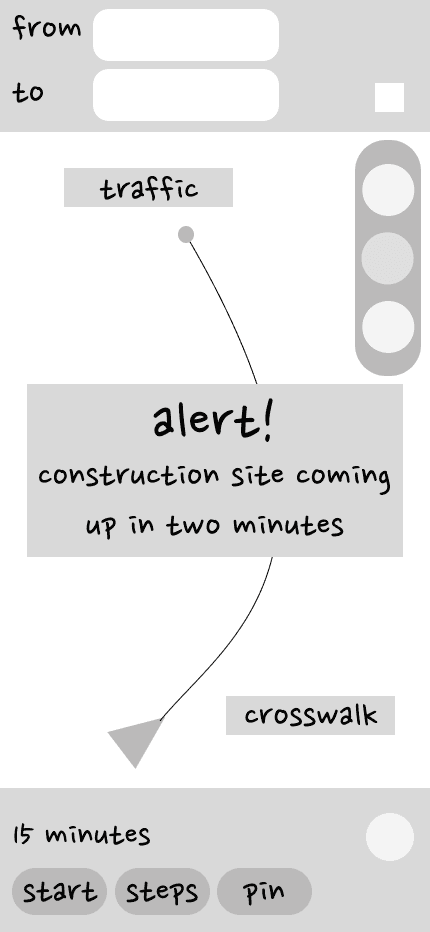
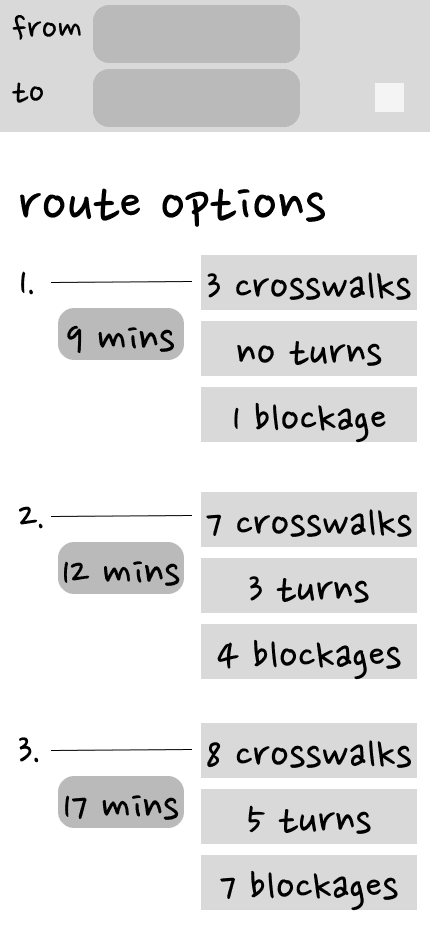
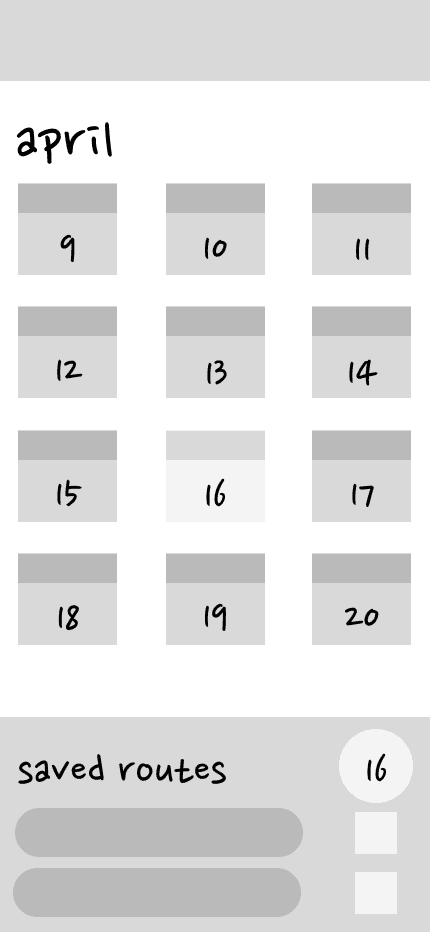
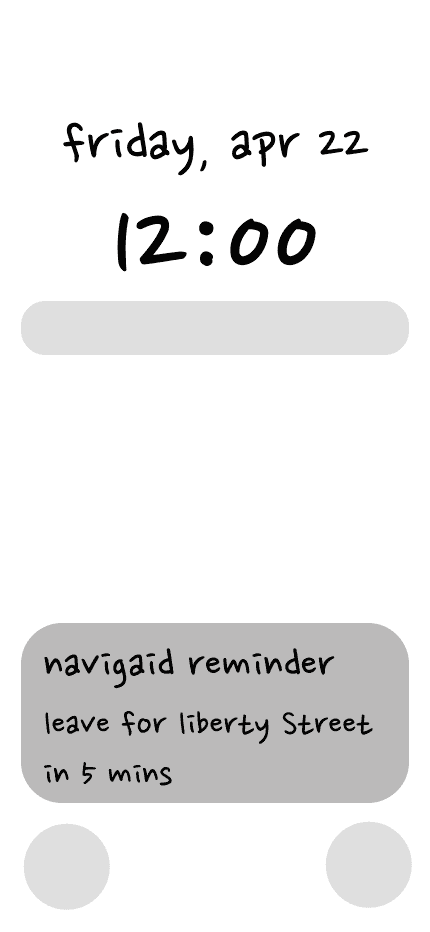
All Low Fidelity screens
Mid Fidelity Wireframes
For mid fidelity screens, we aimed to adapt our low fidelity screens to the phone form factor and accounting for safe zones.
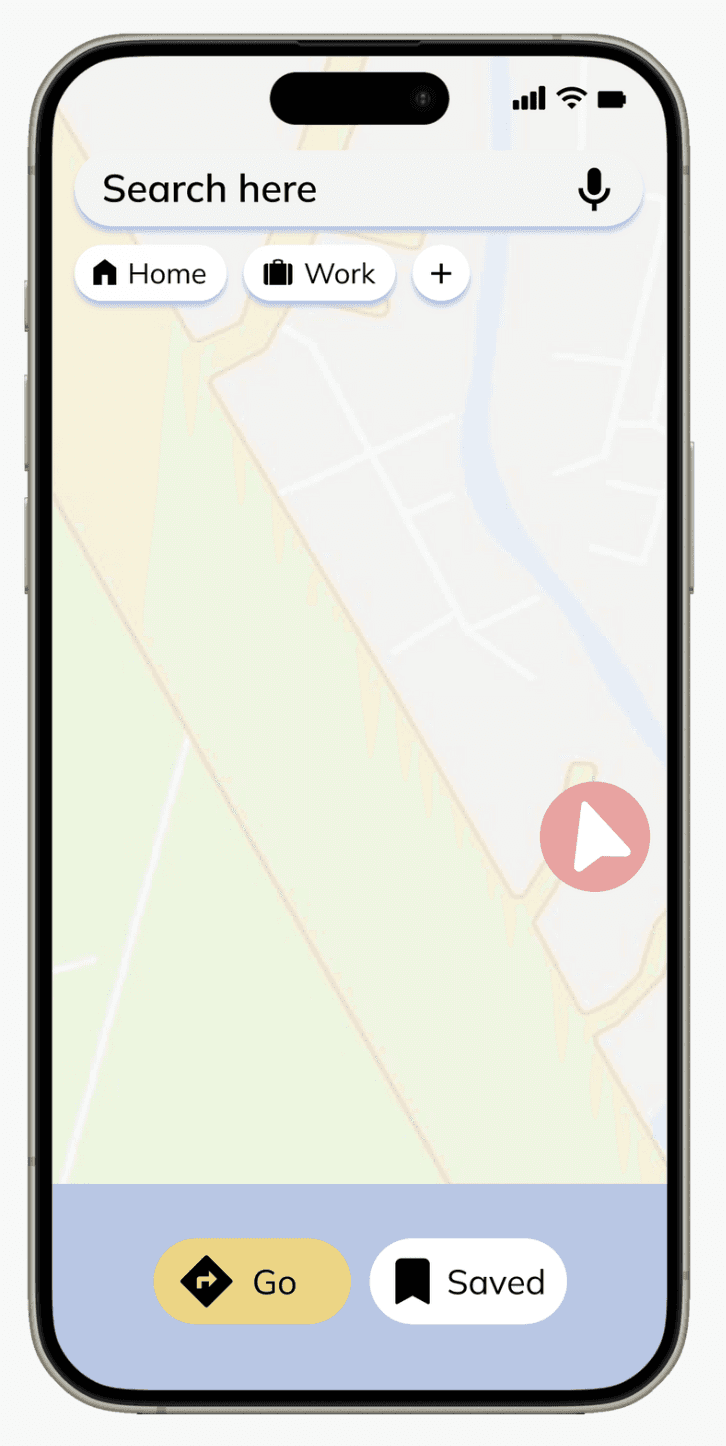
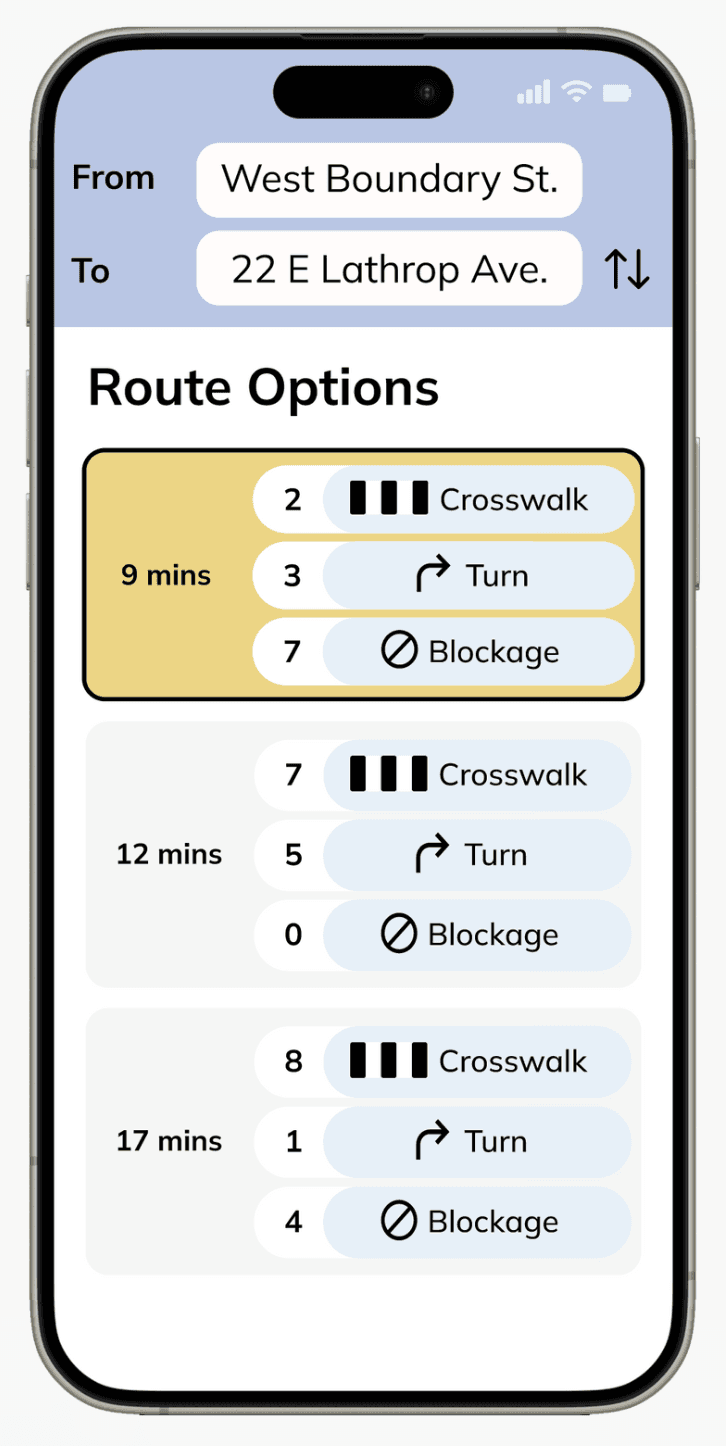
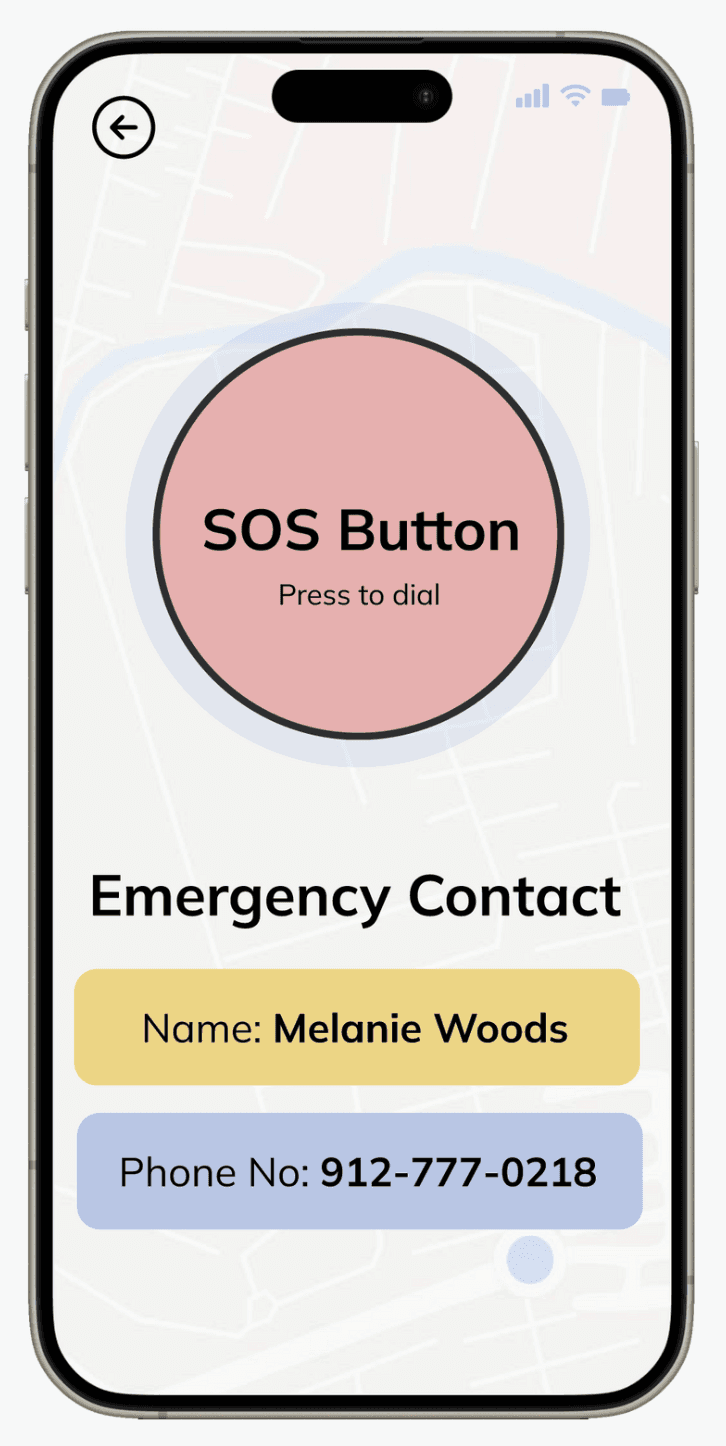
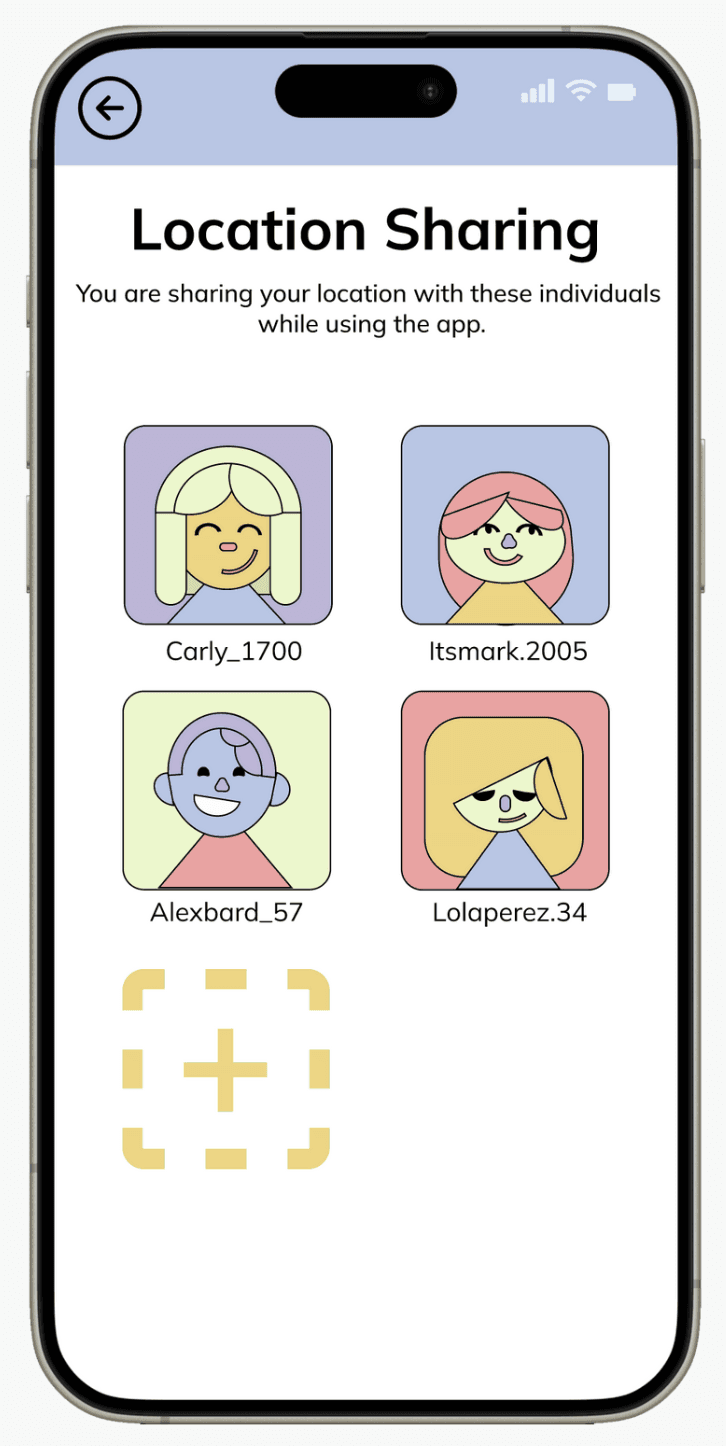
Some key screens (left to right) Home, Route options, SOS screen, Location sharing
उच्च प्रोटोटाईप
High Fidelity Prototypes
We had a more iterative design process, backed by peer reviews and user testing. Here's the screen evolution of some key screens:
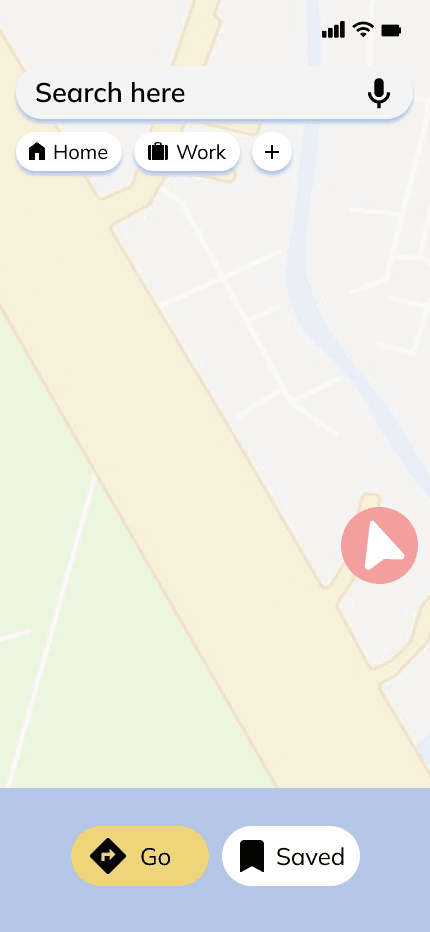
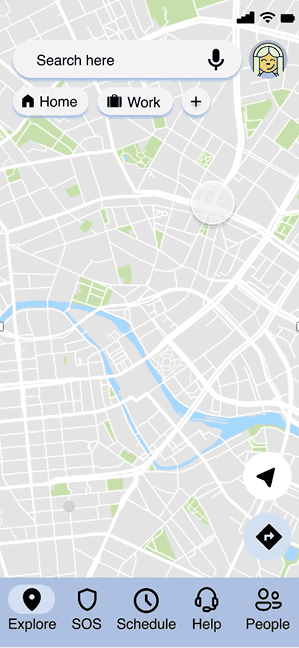
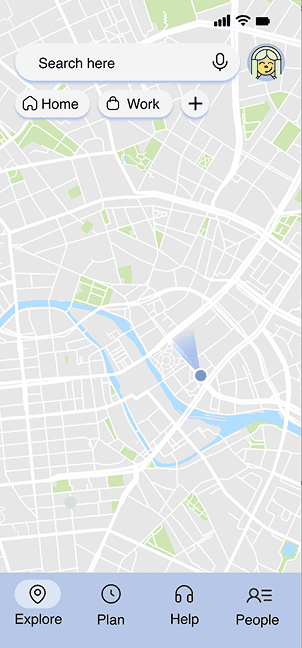
Home screen design evolution
Home Screen
Our first version of the home screen was based on an ideal version we wanted - something which was simple and not overstimulating for our users.
However, as we started integrating user tasks, our screens became more complicated.
WIth user tests, we found out that the newer screens felt more overstimulating. To have a balance, we limited the number of pages in the global navigation to 4 as well as chose icons with a lower stroke weight to appear 'lighter'.
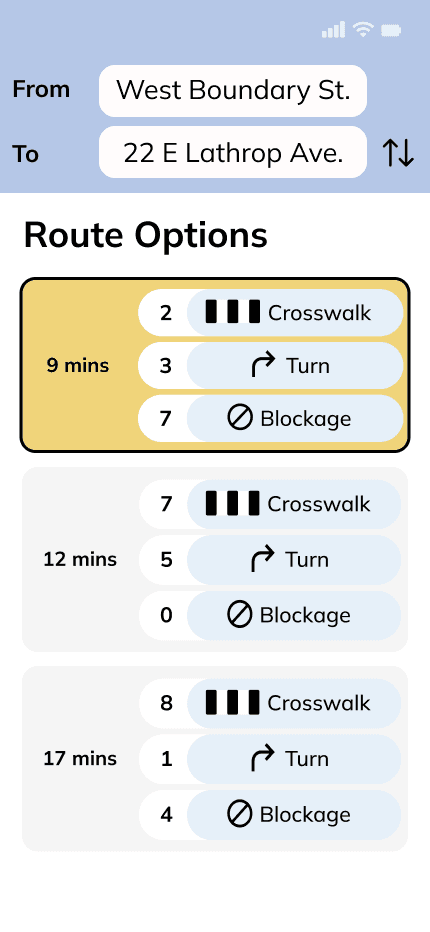
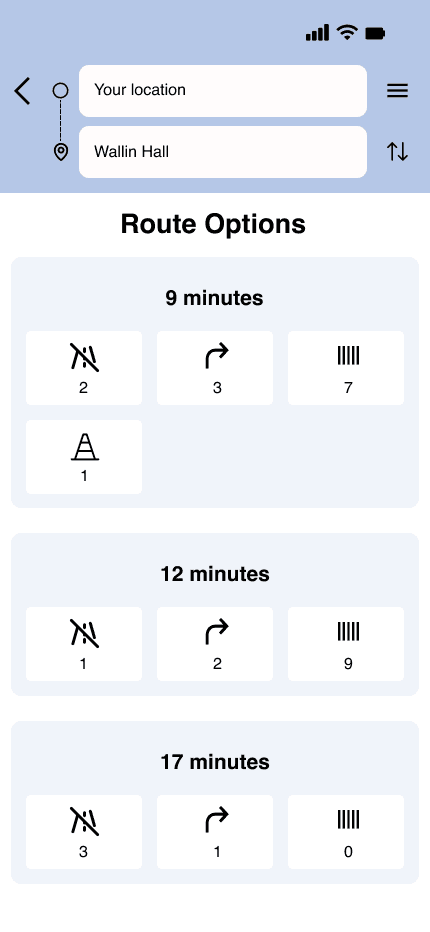
Route Options screen design evolution
Route Options
The mid fidelity screen for this feature had inconsistent and unfocused hierarchy, as derived from our user tests.
Our new version unified all icons, creating a more focused visual hierarchy alongside resizing of several elements for a more harmonious look.
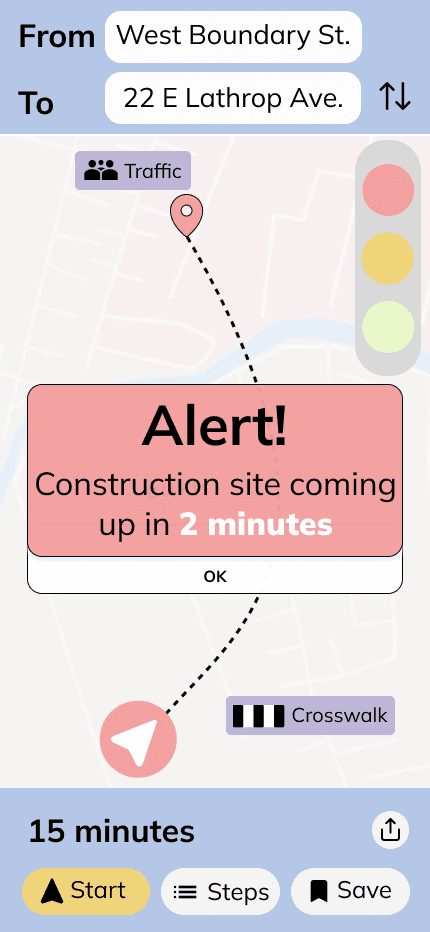
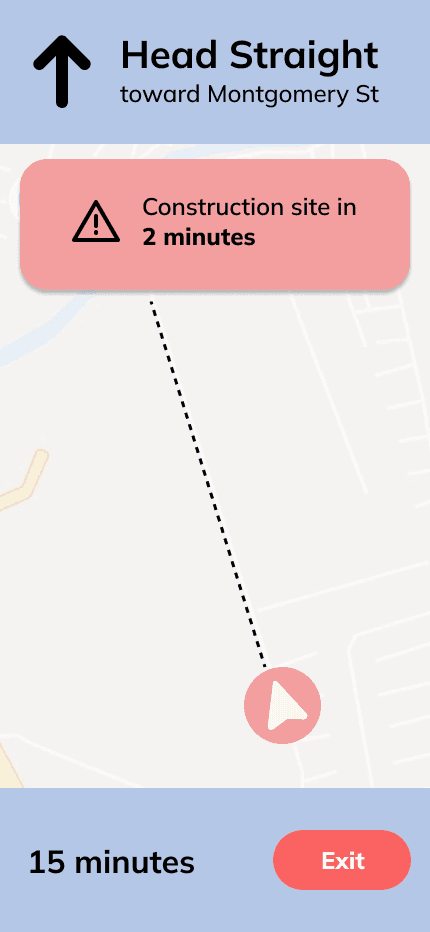
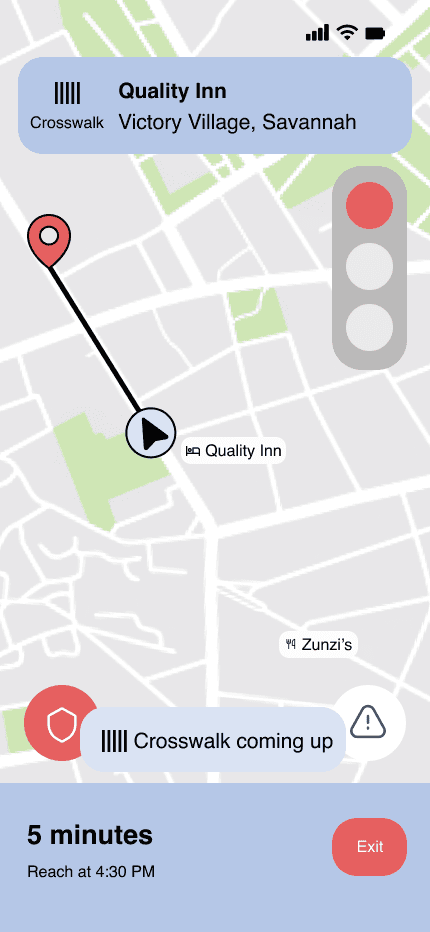
Route Alerts screen design evolution
Route Alerts
Through our user tests, we found out that the obstacle alerts felt very overwhelming and moved focus away from the actual route itself - something that raised more safety issues than fixing them.
We reworked our hierarchy for these alerts, making them much smaller. We took the direction of making them look like notifications instead of an 'alert' to reduce anxiety.
पुरस्काराचि तैयारी
Award Submission Preparation
Although the project was complete, we made some changes before submitting our project.
Branding
Since this was a holistic project wherein we created a business and not just a product, we had to create a brand that complimented our product.
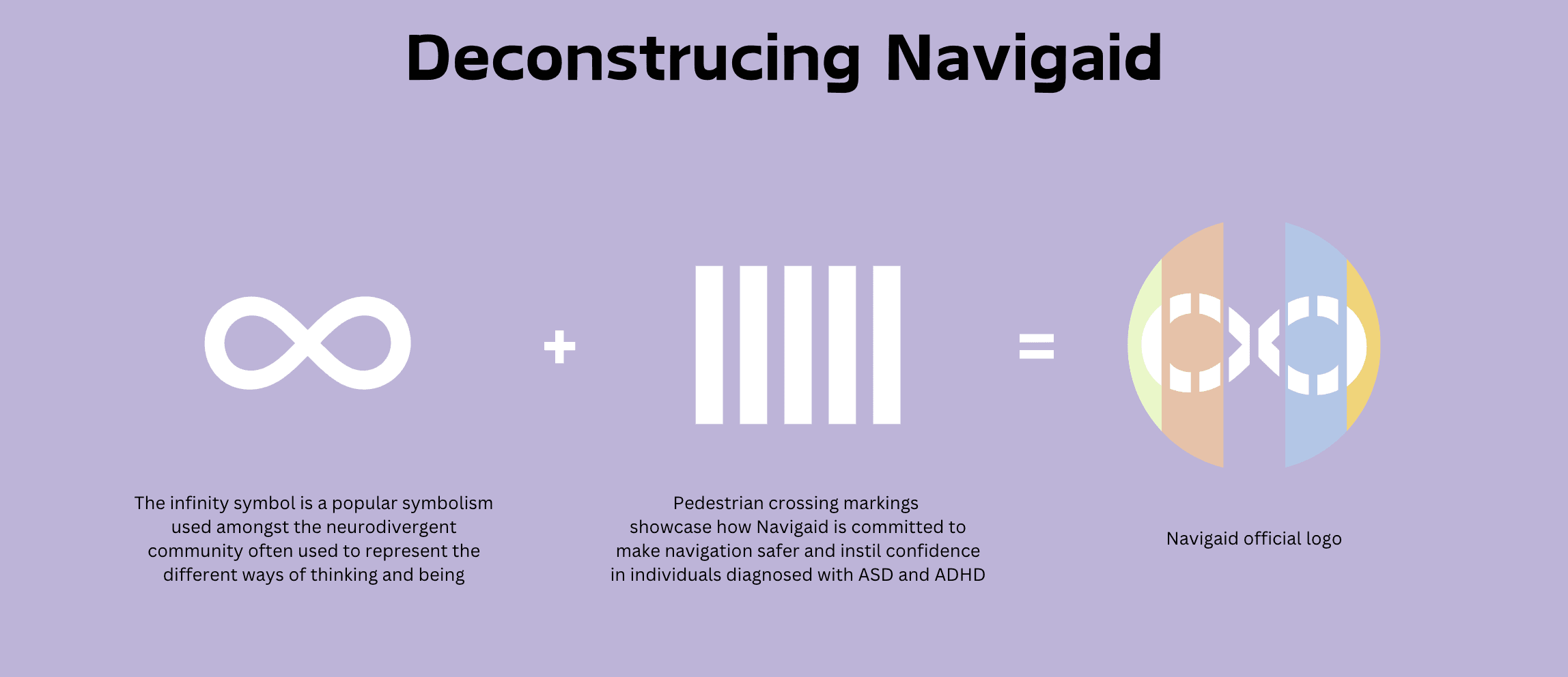
How we arrived at our visual identity
Although this brand was powerful and full of story, it lacked design maturity. When it came to award submissions, we wanted to update for a better chance at winning.
We went back to the drawing board and created a new set of branding material that showed maturity and still stayed true to Navigaid's mission.
Submission
Here's our final submission for the Red Dot Design Award and International Design Awards (IDA).
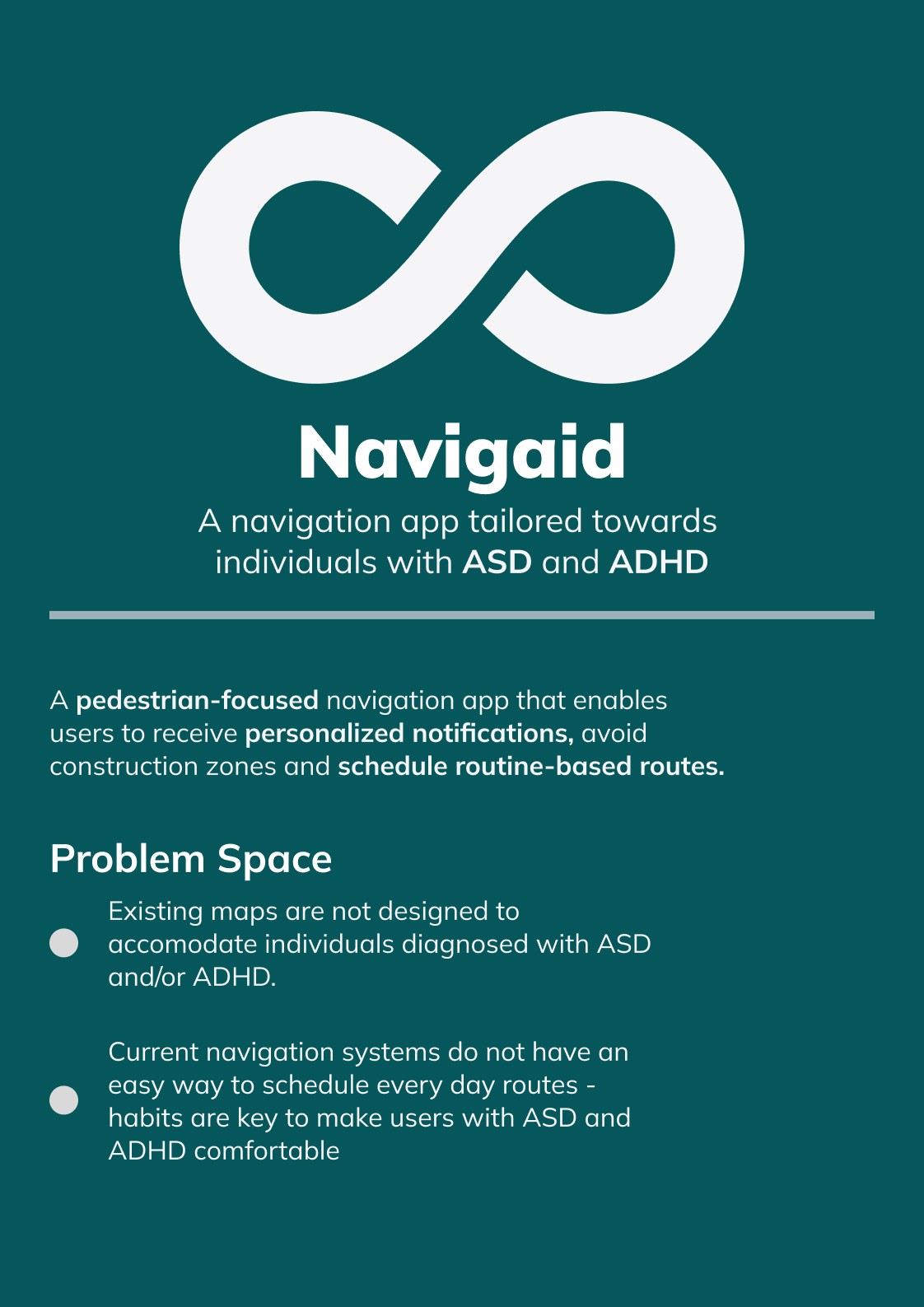
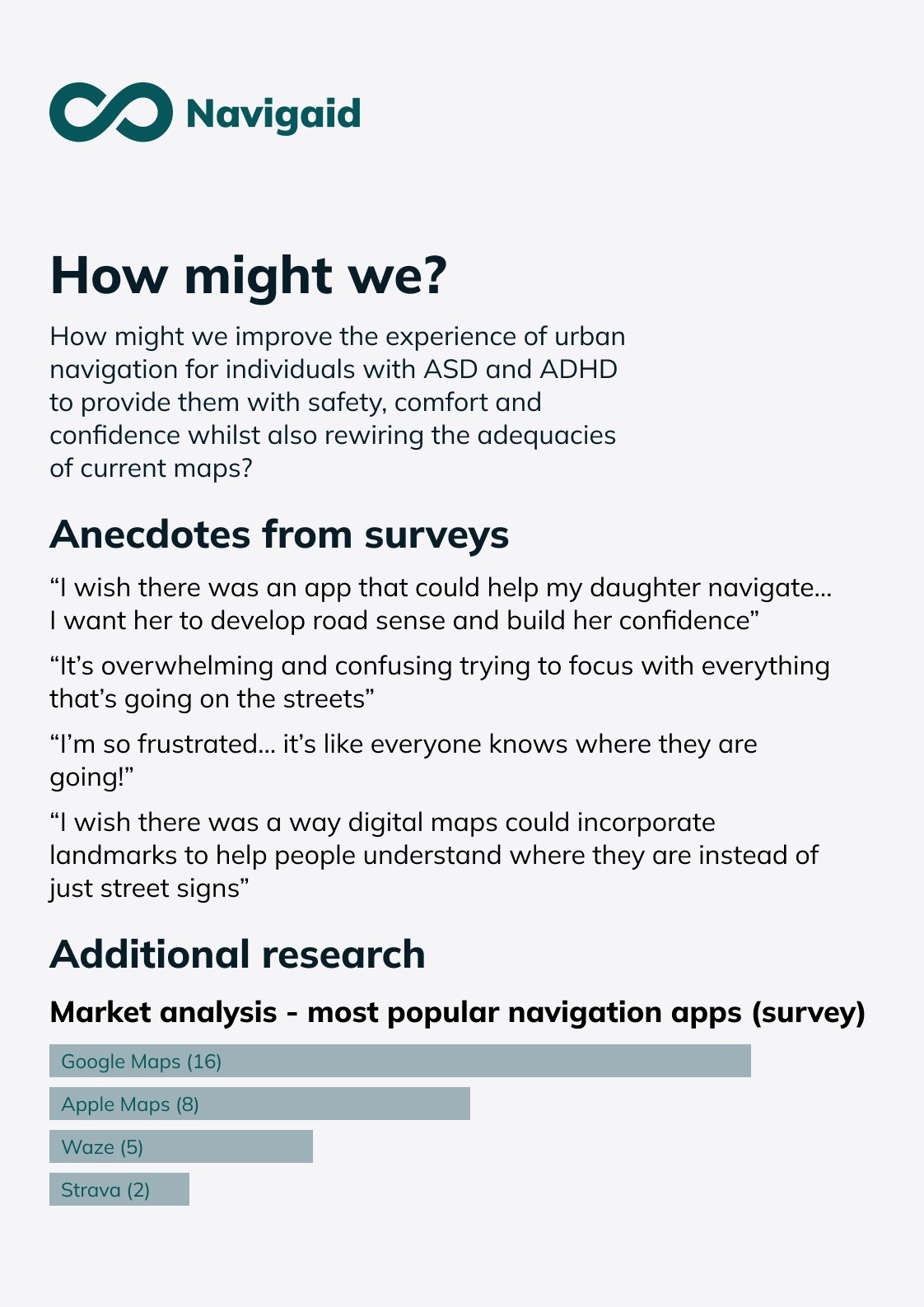
All pages of our awards submission. Submissions had to be in a PDF format.
मी काय शिकलो
What I learned
Wireflows before Wireframes
While design screens, we came across problems as to how we were going to add additional screens in as our requirements went up alongside new user testing results. Had we worked on solidifying our wireflows first, we could've had a faster designing process, possibly with more iterations.
Hierarchy is important
As new designers, we had no idea what hierarchy meant in a UX Designer's context. Our initial designs lacked cohesion and was confusing for our users because of inconsistent hierarchy.
It was only after going back to the drawing board that we figured out which elements had priority to be displayed on screen that our designs were fixed.
Thank you for reading!
तुम्हाला कदाचित हे आवडेल
You may also like

Navigation